Facebook Disabled Account Appeal: How to Recover a Suspended or Disabled Facebook Account #12
There is nothing more frustrating than waking up one day to find your Facebook account suspended. It’s so common that most of us have probably been in this situation at some point.
It’s very normal to dread seeing a “Facebook has suspended your account” or “Your account has been disabled” message and wonder what you actually did wrong.
Don’t feel guilty just yet. Facebook works on automated systems that assess billions of accounts around the world continuously
As internet safety becomes more of an important issue, Facebook keeps tightening its security and enforcing stricter standards on users. The by-product of this debacle is that sometimes, even the best users get locked out.
But the good news is, it has become a common enough problem that you can easily find a fix for it. It is very simple to file a Facebook disabled account appeal and get it back quickly.
However, if you’re searching frantically for a solution and nothing you find on the internet works, your frustration may be reaching a tipping point. Fortunately, this blog has the answers.
This blog contains the step-by-step approach to recover a suspended or disabled Facebook account without delays so that you can get back online to your regular life like nothing happened.
Facebook Account Disabled vs. Facebook Account Suspended
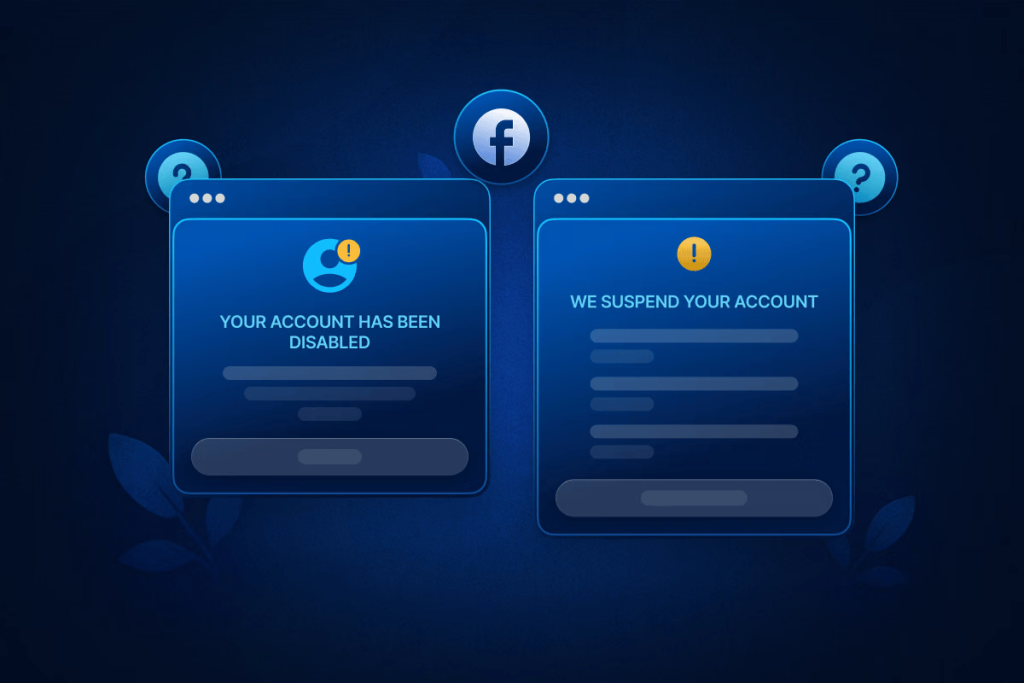
Before we begin, it’s important to note the difference between getting your Facebook account suspended and getting it disabled.
In a nutshell, suspended means you’ve gotten a temporary restriction from Facebook. It means you need to take a break that can last anywhere from 24 hours to a month.
On the other hand, getting your Facebook account disabled is much more serious. A disabled account means you are locked out completely, and your Facebook account isn’t available in anyone’s feed anymore.
Suspensions tend to be given quite often due to any sort of breach in community standards. This can be anything from an inappropriate comment to prohibited advertising practices.
However, they tend to be more lenient and are not really much to worry about if you don’t have a problem being locked out for a couple days. Repeated suspensions can lead to getting an extended ban, which increases the more suspensions you receive.
Getting your account disabled is a whole different issue. It is generally due to serious infractions or suspicion of your account being hacked.
Common Reasons Facebook Disables Accounts
Since disabling your account is a big deal, Facebook rarely does it without a trigger. These triggers are pre-set in the automated systems of Facebook’s algorithm.
They are there to check for safety concerns to you or other users on Facebook. Generally, your account may be disabled if someone tried to hack it or use it for hacking or spamming other accounts.
Policy violations and identity issues also act as reasons for Facebook to disable your account.
Some of the major reasons your Facebook account may be disabled include:
- Suspicious login activity or IP changes: Logging in from widely different geographical locations in a short timeframe. This makes Facebook think that your account was hacked and operated from a different location, causing them to block it automatically.
- Rapid friend requests or messages: Behaving in a spam-like manner can make the system think you’re a bot and not a real human user.
- Policy violations (real or mistaken): Posting content flagged as hate speech, misinformation, or other Community Standards breaches.
- Using automation or browser extensions: Tools that violate Facebook’s Terms of Service are a big reason for Facebook accounts to get deactivated.
- Ad account policy violations linked to personal profiles: Repeated violations in a connected ad account can lead to your main account getting disabled.
- Multiple accounts tied to one identity: Operating duplicate profiles is against Facebook policy, mainly to prevent fake Facebook accounts of real people.
- Identity verification issues: Failure to prove your identity when prompted can cause Facebook to disable your account. Identity verification is usually prompted when Facebook suspects something is wrong with your account usage.
In any case, it is a big hassle to get your Facebook account back once it’s suspended or disabled. Following the rest of this guide will make this process seem much easier and seamless.
Make sure to apply every method one after the other to reliably get back your account at the earliest.
Is Your Facebook Account Recoverable? How to Tell
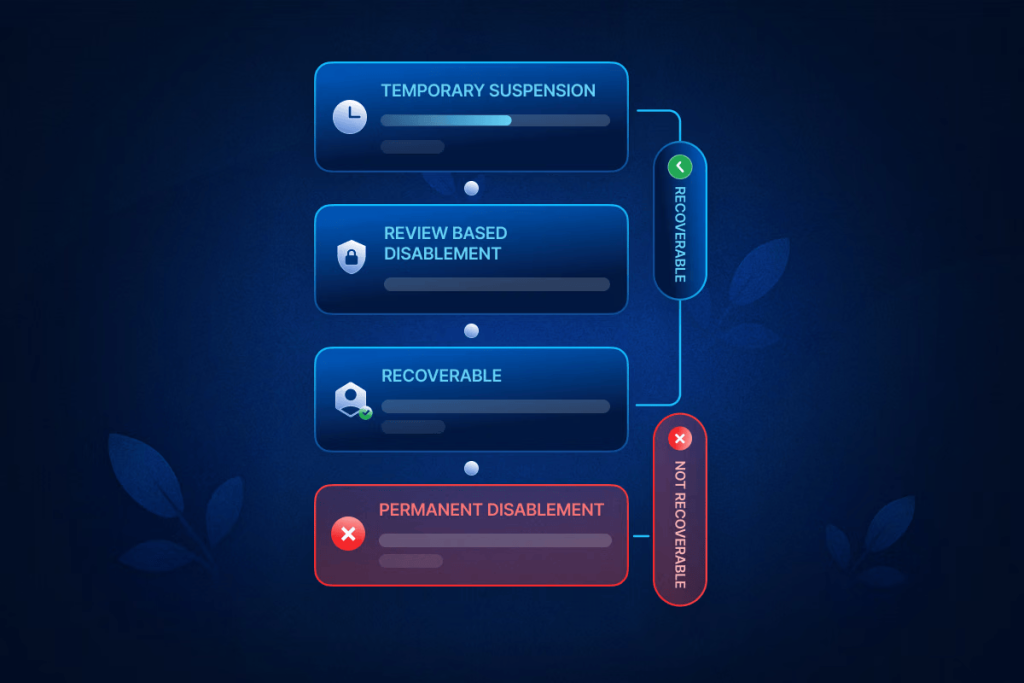
In many cases, your account may be beyond recovery. Figuring out the difference can save you a lot of time from wasted appeals and waiting.
Certain restrictions from Facebook, especially the ones occurring through repeated offenses, cannot be lifted.
So, it is important to understand the difference between the types of suspensions you may receive.
Temporary Suspension (Time-Bound)
This is the best-case situation. Temporary suspensions usually result from minor policy violations, suspicious login behavior, or automated security triggers.
Facebook typically specifies a waiting period (for example, 24 hours, 7 days, or 30 days).
The best way to solve this suspension is to wait. Facebook will return access to your account after the waiting period and everything will go straight back to normal.
Appealing doesn’t usually help in this situation. But the good news is, most suspensions only last a few days and aren’t that damaging.
Review-Based Disablement
In these cases, Facebook has disabled the account but offers an appeal or review option. This often happens due to content reports, ad policy violations, or unusual activity patterns.
This is good too, because Facebook tends to be lenient during reviews. If you can submit accurate information and proper documents, you are likely to recover your account and have everything the way it was.
Permanent Disablement (Non-Appealable)
In some cases, Facebook can permanently disable your account. In these cases, you will typically get a message stating how your account was deleted and you cannot get it back.
This situation comes with no option to appeal and no hopes of recovery. Unfortunately, it is quite impossible to get your account back at this point.
Identity-Based Lockouts
Identity based lockouts are very common and can be resolved quite easily. All you have to do is provide proper identification, like your passport or national ID to Facebook.
If the information on your account matches that on your ID, your account will be recovered without too much trouble
The review is done typically by humans and takes a couple of days. But there is a high potential of getting your account back.
Repeat-Offender Flags
Repeat offenders can get suspended for a long time or permanently disabled. The more you commit an offence against Facebook policies, the longer your suspension will be.
These cases can still be solved. However, the outcome depends on how severe the breach was and how many times your account has received a warning prior to this.
How to Appeal for a Disabled Facebook Account (Official Process)
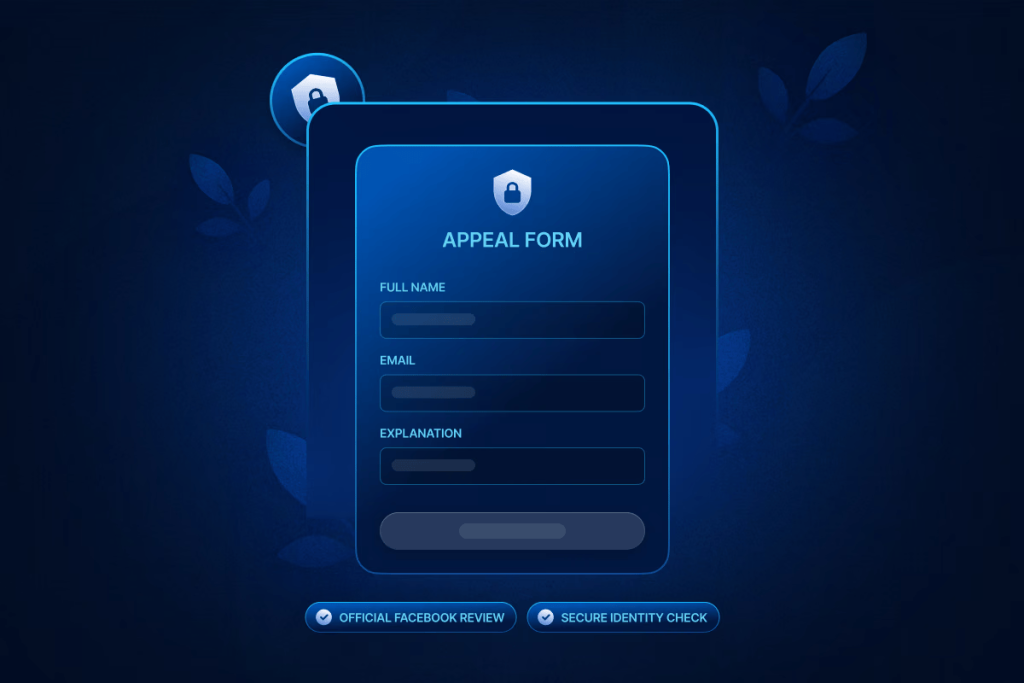
If your account is disabled by Facebook, Facebook is the only entity that can give it back. The main idea is to appeal to Facebook in an effective manner so you can get back your account quickly.
Contacting third parties or exploring guarantees offered by paid services will never work and probably end in you losing a bunch of money. The only way to move forward is to follow Facebook’s official instructions and appeal your case.
Where to Find the Appeal Form
When an account is disabled, Facebook usually places a notice directly on the login screen. That notice contains a link to the appeal form. In some cases, the form is also accessible through Facebook’s Help Center under account access issues.
If you still have limited access, this is where you submit Facebook disabled account appeal requests officially.
What Information Does Facebook Request
The appeal form is intentionally minimal. Facebook typically asks for:
- Your full name (as it appears on the account)
- The email or phone number associated with the account
- A short explanation of what you believe happened
Sometimes, identity verification is requested immediately; other times, it comes later. Avoid oversharing. Being clear in your message is more important than being elaborate.
How Long Facebook Typically Takes to Respond
Response times vary widely. Some users hear back within 24–72 hours; others wait weeks. High volumes, security reviews, and account history all affect timing.
A delay doesn’t automatically mean rejection. It often means your case is sitting in a queue.
What to Expect After Submission
After you appeal FB account disabled status, one of three things usually happens:
- Your account is restored
- Your appeal is rejected
- Facebook asks for more verification
Silence is frustrating, but it’s common. Avoid submitting multiple appeals unless explicitly allowed.
Appeals can take days or weeks depending on volume, risk level, and whether manual review is triggered. Delays often occur because cases are batched and reviewed in stages.
If Facebook provides a timeframe, respect it. Submitting repeated appeals too soon can hurt credibility. If no timeline is given, waiting at least 7–14 days before attempting a follow-up (if allowed) is generally advisable.
How to Write the Perfect Appeal Message
Your message should sound composed, not defensive. Briefly explain what you believe triggered the disablement and emphasize your intent to follow platform rules.
A calm, respectful tone signals credibility.
- Avoid emotional or aggressive language. Appeals filled with anger, blame, or threats are often dismissed quickly.
- Admit mistakes only when appropriate. If you genuinely violated a rule unknowingly, acknowledging it can help. If you’re unsure, don’t speculate.
- Request manual review respectfully. A simple line asking for a human review, without demanding one, can be effective.
How to Recover a Suspended Facebook Account
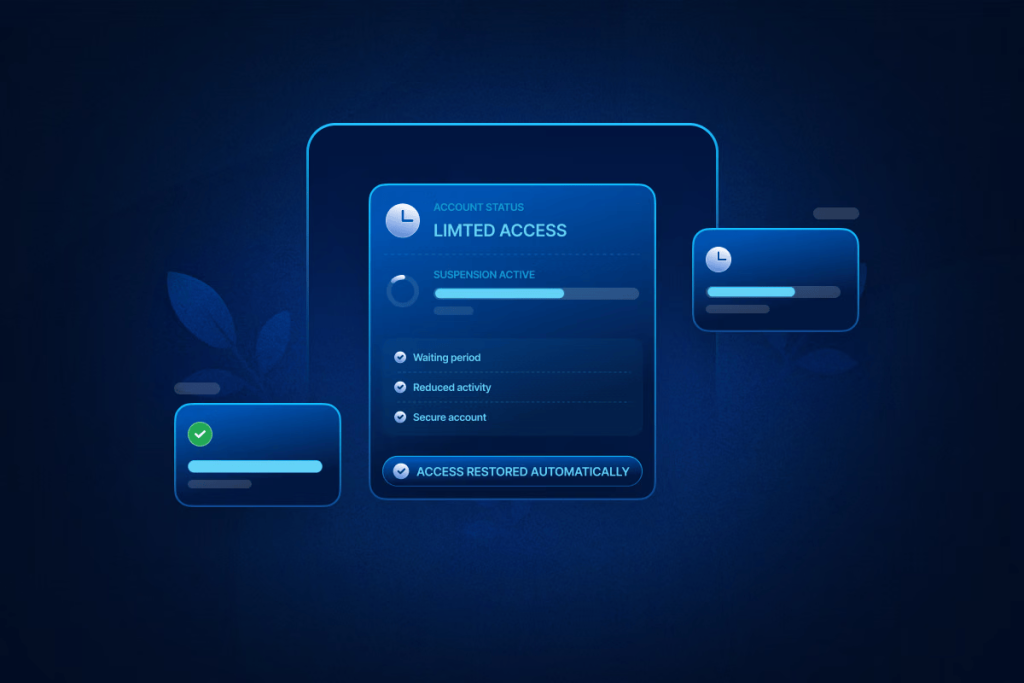
Suspensions are different from permanent disablements. They’re usually temporary and often resolve on their own if handled correctly.
Suspensions can fully lock you out for a couple days or just be a partial restriction. Typically, you will be blocked from making posts or commenting but free to send messages. In any case, it is good to follow the community standards properly during the duration of suspensions so that the period doesn’t get any longer.
Typical Suspension Durations
Most suspensions last anywhere from a few hours to 30 days. The duration is usually tied to the severity and frequency of the behavior that triggered it.
Actions That Speed Up Recovery
- Stop posting or interacting aggressively
- Avoid logging in from multiple devices or locations
- Secure your account (change password, enable two-factor authentication)
These actions reduce risk signals while the suspension is active.